Get paper receipts into QuickBooks and Concur in seconds
Your phone becomes the scanner for your computer. Shoot a receipt — or a whole pile at once — and get a clean PDF, one receipt per page, ready to file.
Takes about ten seconds. Nothing to install on either device.
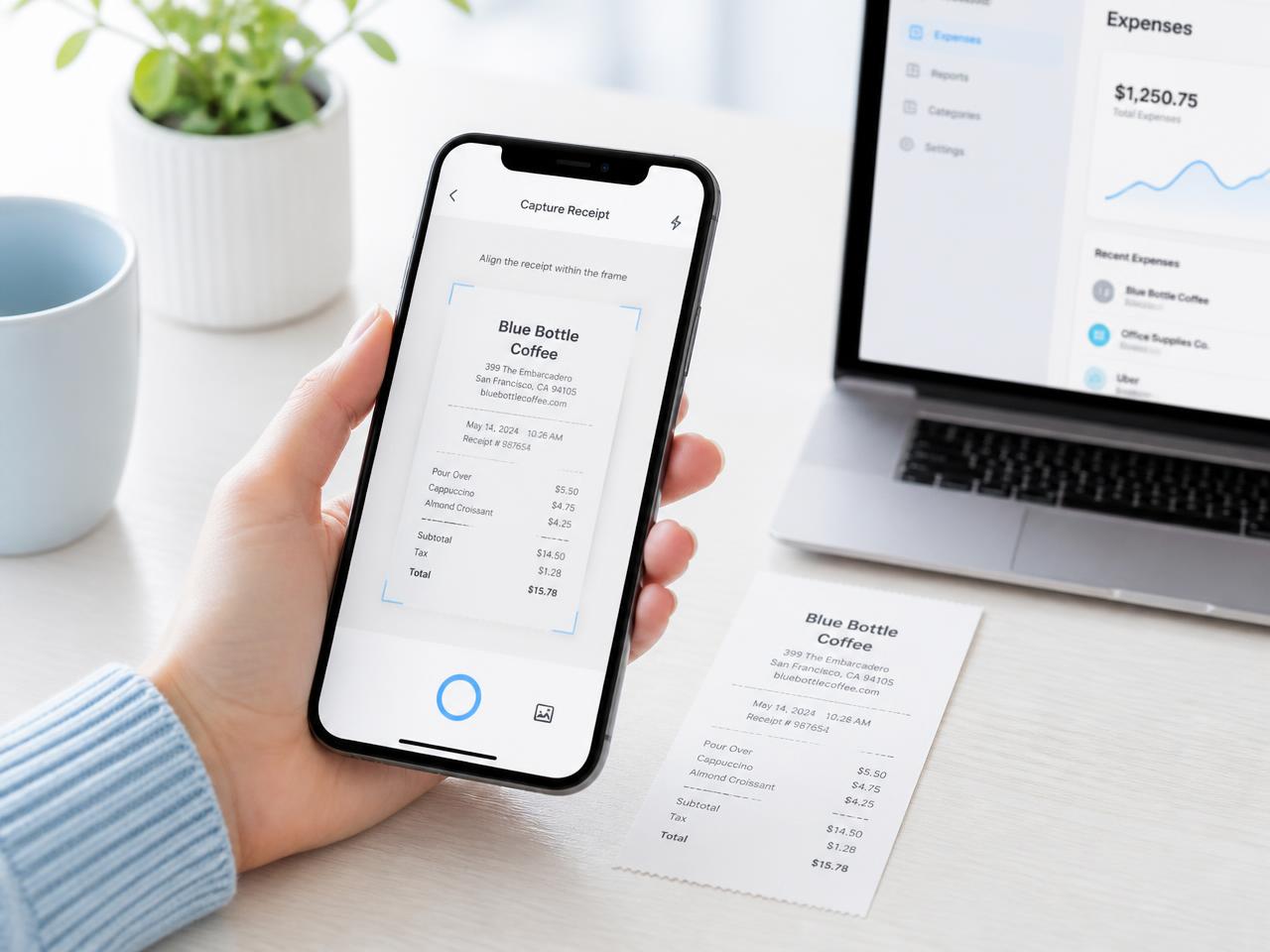
How it works
1. Open it on your computer
No download, no setup. Hit the button in the top bar and a QR code and 6-character code appear.
2. Pair your phone
Scan the QR code, or start on your phone and type its 6-character code on the desktop. Either direction works.
3. Shoot one receipt — or a whole pile
Lay several receipts side by side, take one photo, and we split them apart automatically.
4. Download and file
You get a PDF with one receipt per page. Attach it in QuickBooks, upload to Concur, or send it to your accountant.
Why bookkeepers and road warriors use it
Expense-report ready output
One receipt per PDF page — the format QuickBooks, Concur and Expensify actually want. JPG and PNG too.
Clear the shoebox in one sitting
Spread a month of receipts on the desk, shoot them in batches, and let us cut them into separate pages.
No app, no account needed
Any phone with a camera and a browser. Sign in only if you want your receipts kept between sessions.
Try it with the receipt on your desk right now
Link your phone, shoot the receipt, and download the PDF before your coffee cools.